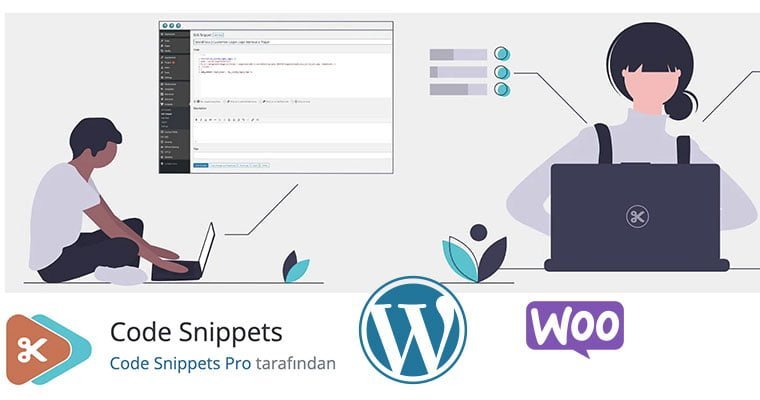
WordPress is a system that allows you to make changes at many points due to its structure. Although you can make many customizable changes in functions.php, which works depending on your theme files, sometimes you may need to intervene in the main files, which we call Core files.
With a possible WordPress update after these interventions, all the changes you made will be gone and the original files will be replaced. In order to prevent this, we ensure that the conditions we have determined for that codexare applied in a separate file, regardless of the update.
WordPress Change Plugin - Code Snippets
Doing this becomes very simple thanks to a small process.
First of all, we activate the WordPress Modification Plugin Code Snippets plugin. What you need to do next is to add your code by clicking Add New from the relevant menu. For example, you can use this plugin when you want to add the code in Turning off WordPress Password Change Alert on my site.