2024 Update!
I wrote this blog post in 2015, the plugin I mentioned is not available now, please continue to follow my blog for alternatives.
If the prices of your products are in dollars or euros and you want to see the Turkish Lira equivalents instantly, WordPress Exchange Rate Converter is for you.
WordPress Currency Rate Converter Installation
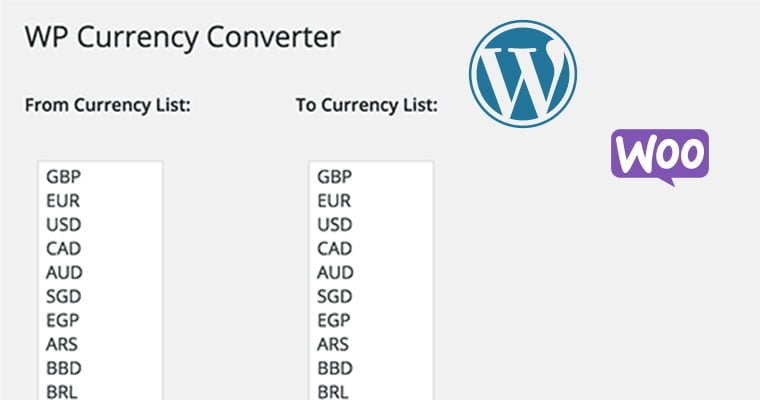
First of all, you can access the plugin by downloading it to your computer from link here or by typing WP Currency Converter in the new plugin search field in your WordPress panel. After the installation is completed and activated, you can select the currencies you want to convert from the Settings -> WP Currency Converter menu. From Currency List: euro, dollar, etc. from the list. You select the currency you want to convert from the list opposite it that says To Currency List: There is support for Turkish lira.
Later, to show the component we have adjusted, we grab the WP Currency Converter Widget title from the Appearance -> Components menu and drop it into the desired component area. That’s all! I recommend this plugin, which provides accurate results with the Google finance infrastructure, to everyone.
Keep following my Blog for this and similar tips.