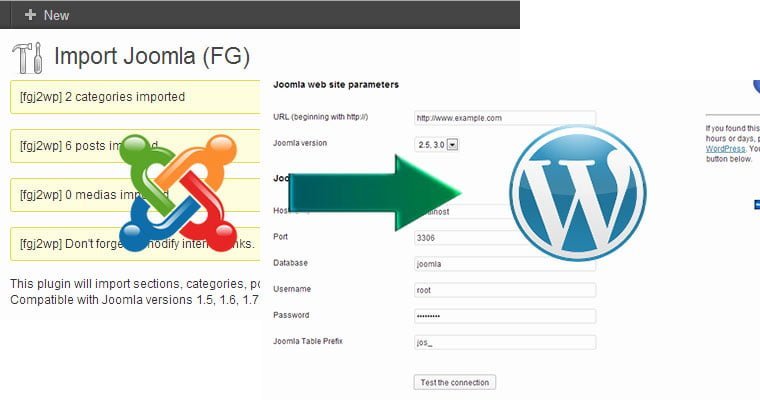
As you know, there are many people who do not like Joomla, one of the popular cms software, and want to switch to WordPress. I will explain what needs to be done to move a site built with Joomla to WordPress.
First of all, what we need to do is to have a solid, well-established WordPress site. For this, you can find more detailed information about the installation of WordPress in my previous article this article.
Moving a Site Made with Joomla to WordPress Step 1
Assuming that you already have a WordPress site, I will proceed with the steps that need to be taken. First of all, we need to use a component for this process. The name of the component is FG Joomla to WordPress You need to find this component from the wordpress administration panel, click add new under the plugins heading, write the name of the plugin and install it. If you wish, you can download the plug-in to your computer and install it manually. After the installation, you need to click on Joomla (FG) from wordpress tools - import menu. As you can see from the screen below, you need to enter the information of the Joomla site you have installed in the relevant fields below.

Moving a Site Made with Joomla to WordPress Step 2
You can access the necessary settings from the general settings - server option on your Joomla site. If you have trouble finding it here, as an alternative, you can access it from the configuration.php file in the main directory of your site where Joomla is installed. You can see an example of this in the image below.
Moving a Site Made with Joomla to WordPress Step 3
After entering the database connection information, when you scroll down to the bottom of the page, you need to select the Post with a read more split option and the force media import option. The first option will bring the articles containing the read more link accordingly, as in Joomla and WordPress, and the second option will allow you to move the images you added to your articles in Joomla. After checking these two options, simply click the Import content from joomla to wordpress button at the bottom.
Moving a Site Made with Joomla to WordPress Step 4
If you have entered your information correctly, you will see a table below showing how the categories, content and media are moved.
Moving a Joomla Site to WordPress Step 5
The last thing you need to do is to click on the Modify internal links button as in the image below. Thus, you will correct the link errors that may occur due to the internal link structure of Joomla compared to WordPress.
Yes, it is that easy to transfer a site built with Joomla to WordPress.
Keep following my Blog for this and similar tips.