How to Make a Favicon?
How to make a favicon is wondered by many rookie web & graphic designers. Although it may seem like it goes through a few special processes, it is very simple to make. I will tell you how you can create a favicon in a few steps.
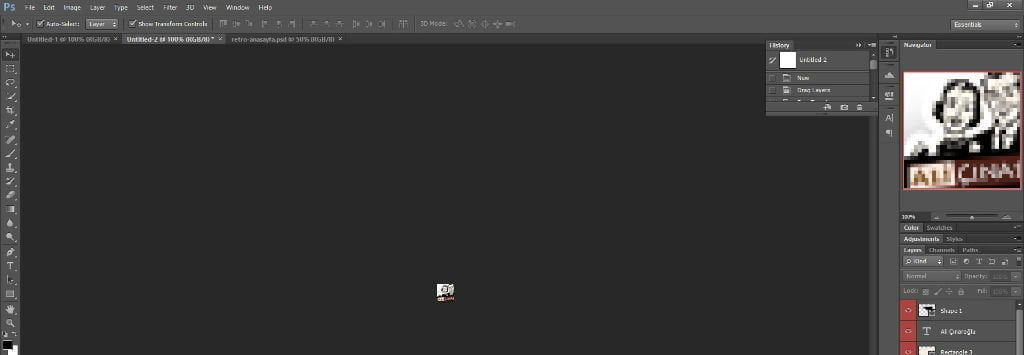
How to Make a Favicon? Step 1
First of all, we open our Photoshop (hereinafter referred to as PS) program. Of course, I assume our site has a logo. We create a new working file with dimensions of 32×32 px.
How to Make a Favicon? Step 2
Then, we place the logo of my site in the file I created and make it smaller so that it fits right in the middle. Since our work area is rectangular, your logo may not always fit in this area.
How to Make a Favicon? Step 3
You can position the work to show a specific part of your logo as you wish. Then we save this file to our computer in .gif format.
In order to turn this saved file into a file with a favicon extension, we go to the site called favicon generator and upload the saved file here. After saying “Generate Favicon”, the system gives us the favicon file we need on the same page.
We right-click on the area where our small favicon is located on the site and save our favicon file to our computer.
Congratulations, your favicon file is ready. In my article here, I explained how to add your favicon file to your WordPress site, you can review it if you wish.
Keep following my Blog for this and similar tips.